


Prompt Engineering Tools for Productivity: The Complete 2026 Guide
⏱ 25 min read · Category: AI Tools
Prompt engineering has crossed from experimental skill to core business competency. In 2026, 75% of enterprises using generative AI treat prompt management as critical production infrastructure — as important as code version control or database management.
The quality gap between a poorly-written prompt and a well-engineered one isn’t 10% better output. It’s 3–5x better output for the same cost. Teams that invest in prompt engineering tools and practices get dramatically more value from the same AI subscriptions.
This guide covers the best prompt engineering tools for productivity in 2026: from individual tools that help you write better prompts, to enterprise platforms that manage, version, and evaluate prompts at scale.
Table of Contents
- Why Prompt Engineering Tools Matter
- Category 1: Prompt Management and Versioning
- Category 2: Prompt Testing and Evaluation
- Category 3: Prompt Templates and Libraries
- Category 4: Visual Prompt Builders
- Category 5: LLM Playgrounds and Testing
- Category 6: Prompt Engineering for Developers
- Prompt Engineering Best Practices for Productivity
- Advanced Prompting Techniques That Work in 2026
- Comparison Table
- Building a Team Prompt Engineering Workflow
- FAQ
Why Prompt Engineering Tools Matter
A prompt isn’t just text you type to an AI. It’s the primary interface between your intent and the model’s output. The difference between a well-structured prompt and a casual request can mean:
- 3–5x improvement in output quality and relevance
- 50–80% reduction in editing time
- Consistent, repeatable results across team members
- Significant cost reduction through efficient token use
Without prompt engineering tools, most teams experience:
- “AI lottery” — inconsistent outputs from the same types of requests
- Knowledge silos — the best prompts live in one person’s head or scattered across chat history
- No measurement — no way to know if prompt changes actually improved outputs
Prompt engineering tools solve these problems by treating prompts as managed assets: version-controlled, testable, measurable, and shareable.
Key takeaway: Prompt engineering tools are to AI what IDEs are to programming — they don’t change what’s fundamentally possible, but they dramatically increase how efficiently and reliably you achieve it.
Category 1: Prompt Management and Versioning
These tools treat prompts as code: version-controlled, collaborative, and traceable back to specific outputs.
PromptLayer — Best Prompt Observability Platform
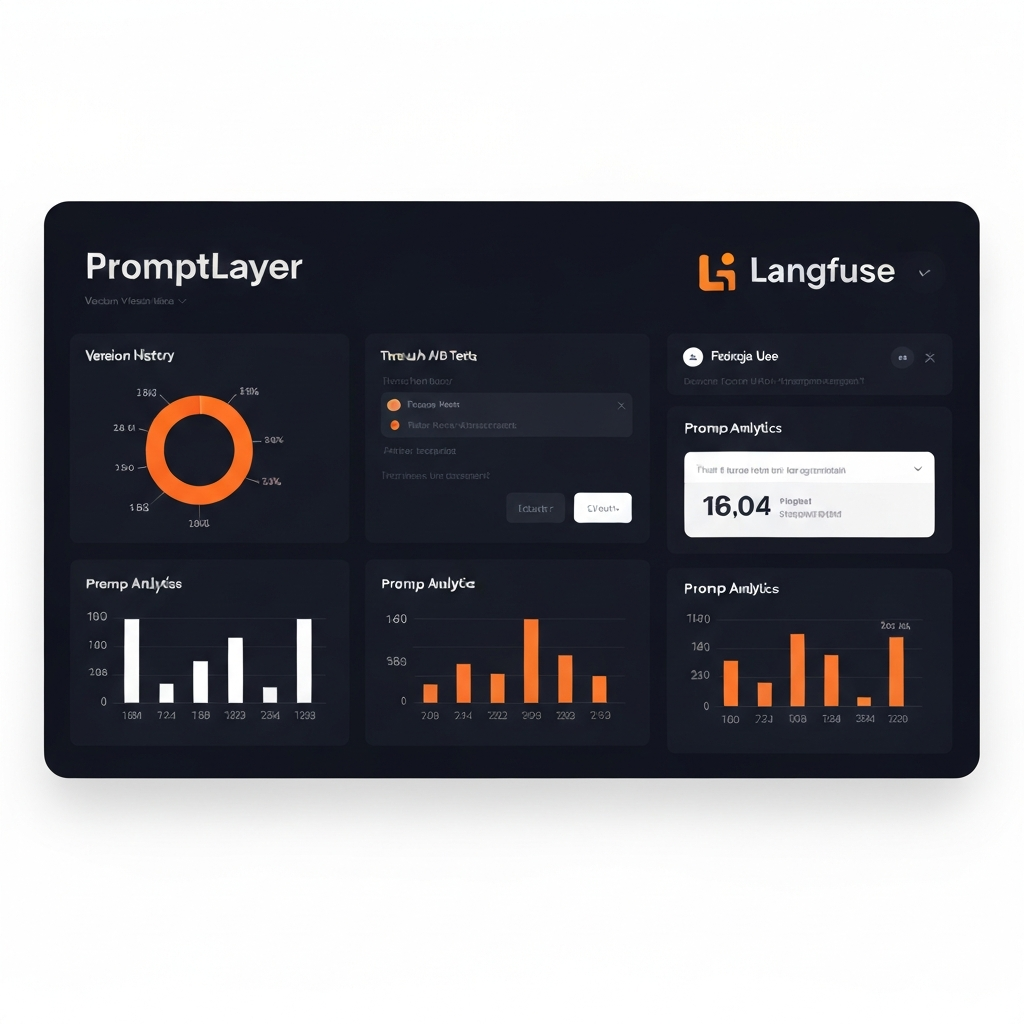
PromptLayer is the leading LLMOps platform for teams that want complete visibility into how their prompts perform in production. It logs every API request and response, tracks which prompt version produced which output, and enables A/B testing between prompt variants.
Key capabilities:
- Request logging: Every prompt, response, model version, and latency tracked automatically
- Prompt versioning: Tag prompt versions, compare performance, roll back when quality drops
- Team collaboration: Share prompts across teams, leave comments, and track who changed what
- Analytics: Identify which prompts have the highest token costs, worst latency, or most failures
from promptlayer import openai
response = openai.ChatCompletion.create(
    model="gpt-5",
    messages=[{"role": "user", "content": "Write a product description..."}],
    pl_tags=["product-descriptions", "v2"]
)
- Pricing: Free for individuals; Teams $20/user/month
- Best for: Development teams shipping LLM-powered products
Langfuse — Best Open-Source Prompt Management
Langfuse is a fully open-source LLM observability and prompt management platform. Self-hosted Langfuse provides the same core features as PromptLayer at zero ongoing cost: tracing, prompt versioning, evaluation, and team collaboration.
The Langfuse prompt management API lets you update prompts in production without deploying new code — critical for teams iterating on prompt quality without a full release cycle.
- Pricing: Free (self-hosted); Cloud from $49/month
- Best for: Developer teams wanting full control over prompt infrastructure at minimal cost
Microsoft PromptFlow (Azure) — Best for Enterprise
PromptFlow is Microsoft’s free, open-source, low-code tool for LLM application development. It provides flow-based prompt chaining, evaluation pipelines, and deployment to Azure — making it the natural choice for enterprises already in the Microsoft ecosystem.
The visual flow builder lets product managers and non-engineers participate in prompt design alongside developers, reducing the bottleneck on engineering resources.
- Pricing: Free (open-source); Azure hosted options available
- Best for: Enterprise teams on Azure; multi-step prompt workflow management
Category 2: Prompt Testing and Evaluation
Prompt quality without measurement is just guessing. These tools bring rigour to prompt improvement.
Braintrust — Best Prompt Evaluation Platform
Braintrust is a purpose-built AI evaluation platform. It lets you define evaluation criteria (using AI graders, human graders, or custom code), run experiments across different prompt versions and models, and track which combination produces the best results.
The key insight Braintrust enables: “Did my prompt change actually improve output?” becomes an empirically answerable question with data, rather than a subjective judgment call.
- Pricing: Free for individual use; Teams plans available
- Best for: Teams iterating on prompt quality who want data-driven decisions
Evals (OpenAI) — Best for OpenAI-First Teams
OpenAI’s Evals framework is an open-source library for evaluating LLM outputs. Write custom evaluators for your specific quality criteria, run them against batches of completions, and compare performance across prompt versions or model versions.
- Pricing: Free (open-source)
- Best for: OpenAI users wanting structured evaluation without a managed platform
LangSmith Evaluation — Best for LangChain Users
LangSmith’s evaluation features let you create test datasets, run evaluations automatically, and compare performance across runs. The free tier is sufficient for small teams and development-phase evaluation.
- Pricing: Free tier; Developer $39/month; Plus $299/month
- Best for: Teams using LangChain who want integrated evaluation
Category 3: Prompt Templates and Libraries
Instead of writing prompts from scratch every time, smart teams build reusable prompt libraries.
PromptHub — Prompt Sharing Community
PromptHub is a community platform for discovering, sharing, and rating prompts. Find high-quality prompts for common tasks (content writing, code generation, customer service, data analysis), adapt them for your use case, and contribute your own.
- Pricing: Free community access
- Best for: Discovering proven prompts; building your initial library
Awesome ChatGPT Prompts (GitHub) — Free Prompt Library
One of the most-starred repositories on GitHub: a curated collection of role-based prompts that dramatically improve outputs for specific use cases. Act as a SEO specialist, a lawyer, a financial advisor, a Linux terminal — each role prompt is battle-tested by thousands of users.
- Pricing: Free (open-source)
- Best for: Building a starting library of role-based prompts
FlowGPT — Prompt Discovery Platform
FlowGPT is a community platform specifically for AI prompts, with categories for business, creative writing, coding, education, and more. Upvoted prompts surface the highest-quality community contributions.
- Pricing: Free
- Best for: Finding prompts for specific tasks; community feedback on your prompts
Category 4: Visual Prompt Builders
For non-developers who want to design sophisticated prompts without writing them from scratch.
Dust.tt — Best Visual LLM App Builder
Dust provides a visual interface for building LLM applications: connect data sources, define prompt chains, and deploy AI tools to your team — without code. The prompt engineering component lets you design and test prompts visually before deploying them.
- Pricing: Free tier; Teams from $29/month
- Best for: Product teams building internal AI tools without developer bottlenecks
Dify — Best for RAG + Prompt Workflows
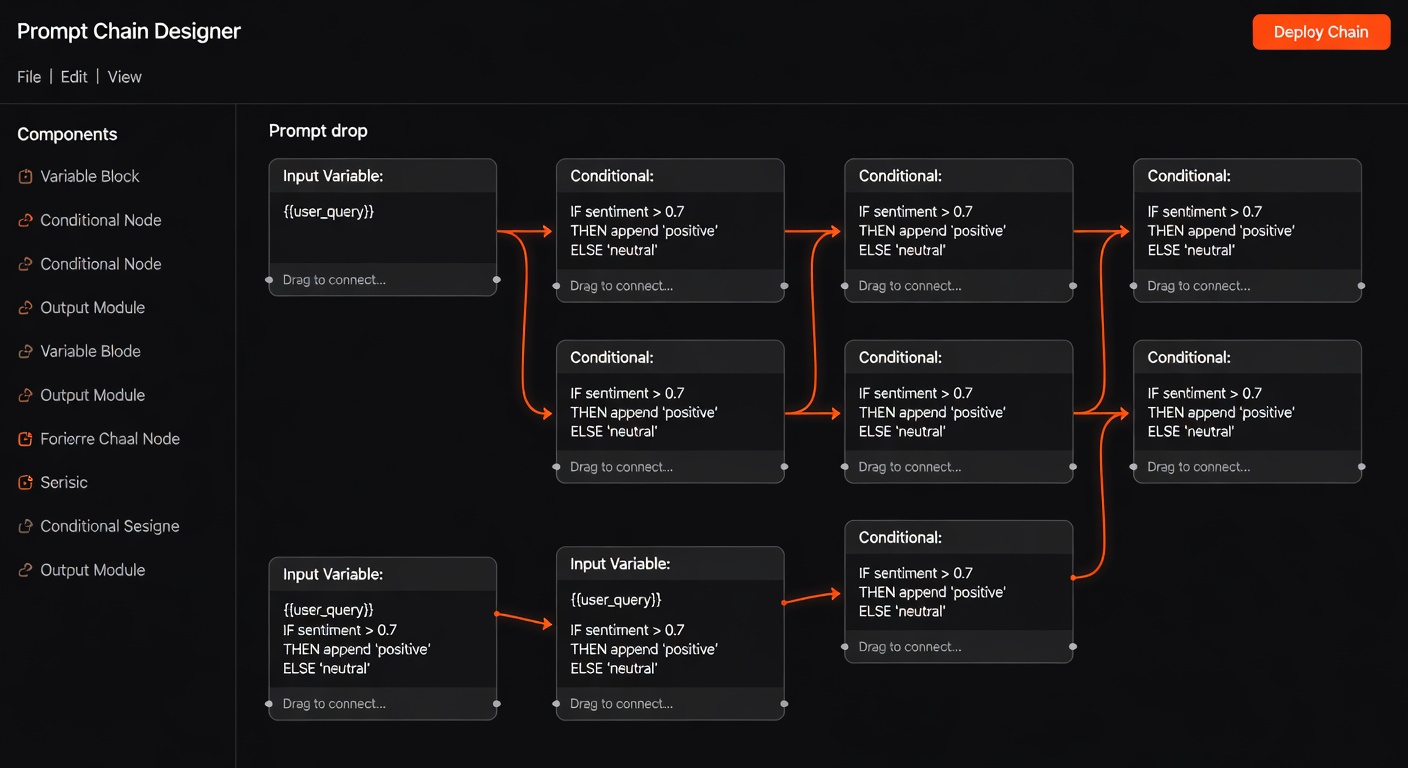
Dify’s workflow builder includes sophisticated prompt configuration: variable injection, conditional logic, and A/B testing within a visual interface. For teams building RAG-powered applications with complex prompt chains, Dify provides a visual environment for managing that complexity.
- Pricing: Free (self-hosted); Cloud plans available
- Best for: Teams building RAG applications with complex prompt orchestration
Flowise — Best Visual LangChain Builder
Flowise translates LangChain’s code-based prompt chains into a visual drag-and-drop interface. Design prompt chains, memory systems, and tool-augmented agents visually — then test them immediately in the built-in chat interface.
- Pricing: Free (self-hosted)
- Best for: Visual prototyping of LangChain prompt architectures
Category 5: LLM Playgrounds and Testing
Before deploying prompts to production, testing them in a playground is essential.
Anthropic Console (Claude) — Best Model Playground
The Anthropic Console provides a sophisticated development environment for building with Claude: system prompt configuration, temperature and sampling controls, and side-by-side comparison of different system prompts. For teams building Claude-powered applications, the Console is the fastest way to iterate on prompt design.
- Access: console.anthropic.com — free account with API credits
OpenAI Playground — Most Used LLM Testing Environment
The OpenAI Playground remains the most widely used environment for testing GPT models. It supports full system prompt configuration, function definitions, and side-by-side prompt comparison. The structured outputs mode in 2026 makes it easier to test prompts that need to produce consistent JSON outputs.
- Access: platform.openai.com/playground — free with API account
Google AI Studio (Gemini) — Best Multimodal Testing
Google AI Studio provides a free testing environment for Gemini models, with strong support for multimodal prompts (text + images + documents). The “System Instructions” feature lets you design persistent system prompts that apply across a conversation.
- Access: aistudio.google.com — free with Google account
TypingMind — Best Multi-Model Playground
TypingMind provides a unified interface for testing prompts across multiple models (GPT-5, Claude, Gemini) with your own API keys. Side-by-side comparison of model outputs for the same prompt makes it easy to identify which model performs best for your specific use case.
- Pricing: $29 one-time; $9/month for cloud sync
- Best for: Teams wanting to test prompts across multiple models in one interface
Category 6: Prompt Engineering for Developers
Developer-focused tools that integrate prompt management into existing workflows.
LangChain PromptTemplate — Best for Python Developers
LangChain’s PromptTemplate class is the standard way to create reusable, parameterised prompts in Python. Variables are injected at runtime, making prompts flexible and testable:
from langchain import PromptTemplate

template = PromptTemplate(
    input_variables=["product", "audience", "tone"],
    template="Write a {tone} product description for {product} targeting {audience}."
)
prompt = template.format(product="AI writing tool", audience="marketing managers", tone="professional")
This approach makes prompts first-class citizens in your codebase — testable, version-controlled with Git, and reusable across your application.
Semantic Kernel (Microsoft) — Best for .NET/Enterprise
Semantic Kernel’s prompt template system supports parameterised prompts in Python, C#, and Java. The semantic functions concept treats prompts as callable functions with inputs and outputs — making them as manageable as traditional code functions.
Mirascope — Best Typed Python Prompt Library
Mirascope is a typed Python library that makes prompts type-safe, IDE-friendly, and testable. Prompts are defined as Python classes with typed inputs, making static analysis, autocomplete, and testing straightforward.
from mirascope.core import openai, prompt_template

@openai.call("gpt-5")
@prompt_template("Recommend a {genre} book for {audience}")
def recommend_book(genre: str, audience: str): ...

result = recommend_book("sci-fi", "young adults")
- Pricing: Free (open-source)
- Best for: Python developers wanting typed, testable prompt management
Prompt Engineering Best Practices for Productivity
Tools are only as good as the techniques behind them. Here are the practices that deliver the biggest productivity gains:
1. Role-Based Prompting
Assigning a role to the AI before giving a task dramatically improves output quality and consistency:
Instead of: “Write a blog post about AI tools”
Use: “You are a senior technology writer for a B2B SaaS publication with 10 years of experience. Your writing style is clear, direct, and evidence-based. Write a 1,000-word blog post about…”
Role context activates relevant knowledge patterns in the model and constrains the output style more effectively than explicit instructions alone.
2. Chain-of-Thought Prompting
For complex tasks, asking the model to reason step-by-step before arriving at an answer significantly improves accuracy:
Add to any complex prompt: “Think through this step by step before giving your final answer.”
Or use explicit reasoning chains: “First, analyse the problem. Then, consider 2–3 approaches. Then, recommend the best approach with justification.”
3. Provide Examples (Few-Shot Prompting)
Include 2–3 examples of the input-output pairs you want:
“Here are examples of the format I want:
Input: [example 1 input]
Output: [example 1 output]
Input: [example 2 input]
Output: [example 2 output]
Now do the same for: [your actual input]”
Few-shot prompting is one of the highest-ROI techniques — it communicates intent more precisely than any amount of descriptive instruction.
4. Structured Output Specification
For AI outputs that will be processed programmatically, specify the exact format:
“Return your response as a JSON object with these exact fields:
{
  "title": "string",
  "summary": "string (max 100 words)",
  "tags": ["array", "of", "strings"],
  "confidence": "high|medium|low"
}
Using OpenAI’s structured outputs mode or Anthropic’s JSON mode enforces this format at the API level.
5. Negative Instructions (What NOT to Do)
Explicitly stating what to avoid is often as important as stating what to do:
“Do NOT include generic introductions like ‘In today’s world…’. Do NOT use bullet points. Do NOT add a conclusion unless it adds new information.”
Negative instructions are particularly effective for style and format constraints.
6. Temperature and Parameter Tuning
Lower temperature (0.0–0.3) for factual, consistent outputs (data extraction, classification, code generation). Higher temperature (0.7–1.0) for creative, varied outputs (brainstorming, creative writing, idea generation).
Most productivity use cases benefit from lower temperatures — consistency matters more than variety for business applications.
Advanced Prompting Techniques That Work in 2026
Constitutional Prompting
Define rules that the AI must follow throughout its response — a “constitution” embedded in the system prompt. Useful for brand voice, compliance requirements, and ethical constraints.
Example system prompt addition: “You must always follow these rules: [1] Never make specific financial predictions. [2] Always cite sources for factual claims. [3] Maintain a professional but warm tone.”
Retrieval-Augmented Prompting
Dynamically inject relevant context from your knowledge base into prompts at runtime. The prompt becomes: system instructions + retrieved context + user query. This pattern dramatically improves factual accuracy for domain-specific questions without fine-tuning.
Recursive Refinement
Use AI to improve AI output: first generate a draft, then prompt the model to critique and improve it. “Review the following text and identify 3 ways to improve it: [text]. Then rewrite it incorporating those improvements.”
This pattern consistently produces higher-quality output than single-pass generation.
Parallel Generation + Selection
Generate multiple outputs simultaneously (via parallel API calls) and use a second prompt to select the best one. Particularly useful for creative tasks where the variance between outputs is high and one of them is likely excellent.
Comparison Table
| Tool | Category | Best For | Pricing |
|---|---|---|---|
| PromptLayer | Management | Prompt logging and versioning | Free / $20/user/month |
| Langfuse | Management | Open-source prompt ops | Free (self-hosted) |
| PromptFlow | Management | Azure enterprise prompt management | Free (open-source) |
| Braintrust | Evaluation | Data-driven prompt improvement | Free individual |
| LangSmith | Evaluation | LangChain prompt evaluation | Free tier |
| Anthropic Console | Playground | Claude prompt testing | Free with API |
| OpenAI Playground | Playground | GPT prompt testing | Free with API |
| PromptHub | Library | Discovering proven prompts | Free |
| Dify | Visual Builder | RAG + prompt workflow visual design | Free (self-hosted) |
| Mirascope | Developer | Typed Python prompt management | Free |
Building a Team Prompt Engineering Workflow
Step 1: Establish a Prompt Library
Create a shared repository of your best-performing prompts. Start with 10–15 prompts covering your most common AI tasks. Use Langfuse or PromptLayer to host them, or a simple Notion database for non-technical teams.
Step 2: Standardise Your Prompt Format
Define a consistent structure for all team prompts:
[ROLE]: You are a [description]
[CONTEXT]: [Relevant background]
[TASK]: [Specific instruction]
[FORMAT]: [Output structure]
[CONSTRAINTS]: [What to avoid]
[EXAMPLES]: [1-2 input-output examples]
This format makes prompts scannable, debuggable, and improvable.
Step 3: Version Control and Testing
Every prompt change should be versioned and tested against a benchmark set of inputs before replacing the previous version. This prevents “prompt regressions” where a well-intentioned change actually reduces output quality.
Step 4: Share and Improve
Prompts should be shared assets, not individual knowledge. Schedule monthly prompt review sessions where team members share what’s working, what’s failing, and propose improvements. The best prompts improve through collective iteration.
Step 5: Measure Quality Consistently
Define quality metrics for each prompt type (accuracy, format compliance, tone, length), and evaluate new prompt versions against these metrics. Even a simple human-rating system (1–5 stars on a sample of outputs) is better than no measurement.
FAQ
What’s the difference between prompt engineering and prompt management?
Prompt engineering is the practice of crafting effective prompts — writing, testing, and improving the text that gets the best results from AI models. Prompt management is the operational infrastructure for doing that at scale: versioning, A/B testing, monitoring, and collaboration. Both are important; most discussions conflate them.
Do prompt engineering skills become obsolete as AI models improve?
Prompt engineering evolves but doesn’t become obsolete. More capable models respond to better prompts — the ceiling rises, but the skill remains valuable. What becomes obsolete are specific techniques that rely on model limitations (e.g., chain-of-thought became less necessary as o1/o3 added native reasoning). New techniques emerge. The meta-skill of knowing how to communicate precisely with AI systems remains permanently valuable.
How long does it take to learn prompt engineering?
Basic proficiency takes 1–2 weeks of deliberate practice. Becoming reliably effective at a range of prompt types takes 1–3 months. Advanced techniques (evaluation, systematic improvement, complex chains) take 6–12 months to master. The learnAI platform has structured learning paths for each level.
What’s the highest-ROI prompt engineering investment for a non-developer?
Building a personal prompt library for your 5–10 most common AI tasks. Spend 2 hours creating and refining prompts for your email writing, research, report drafting, and meeting preparation. Well-crafted prompts for these tasks save 30–60 minutes daily — compounding to hundreds of hours annually.
Can I use the same prompts with different AI models?
Mostly, yes, but each model has different strengths and optimal prompting styles. Claude responds well to detailed instruction and role-based context. GPT-5 benefits from specific format requirements. Gemini handles multimodal context particularly well. Testing your key prompts across multiple models reveals which model is best suited to each task.
What tools do professional prompt engineers use?
Most professionals use a combination of: LLM playgrounds (Anthropic Console, OpenAI Playground) for initial development, PromptLayer or Langfuse for production management, Braintrust or LangSmith for evaluation, and a combination of Notion/GitHub for team prompt libraries. Python + LangChain or Mirascope for code-integrated prompt management.
Conclusion
Prompt engineering tools have matured from experimental curiosities into production-grade infrastructure. Teams that treat prompts as managed, version-controlled assets get dramatically more consistent and higher-quality AI outputs than those who treat each prompt as a one-off text box interaction.
The tools in this guide cover the complete spectrum: from free playgrounds for individual experimentation to enterprise-grade management platforms for teams shipping AI products. Start with the playgrounds to develop your prompting intuition, add a prompt library as your best prompts accumulate, and graduate to management platforms when your team needs consistency and observability.
For a complete curriculum on prompt engineering from beginner to advanced, visit the learnAI community — where prompt engineering is one of the most active topics.
For the technical context on how to integrate prompt management into your AI development workflow, see the AI Strategy Tools for Developers guide.
Ready to learn AI? Join the learnAI community → learnAI Skool Community
Prompt Engineering for Specific Business Use Cases
Different business functions have different prompting requirements. Here are optimised approaches for the most common business prompting tasks:
Email and Communication Prompting
Email is the highest-volume prompt use case for most knowledge workers. An optimised email prompting workflow:
System prompt: “You are an expert business communicator. Write emails that are direct, professional, and action-oriented. Never use unnecessary filler phrases. Every email should have a clear subject, single-sentence purpose statement, relevant context, specific request or action item, and clear next step.”
Task prompt template: “Write an email to [recipient/role] about [topic]. My main point is [key message]. The action I need from them is [specific ask]. Tone should be [formal/friendly/urgent]. Include [any specific details].”
With this two-part structure, email drafts require 2–3 minutes of editing instead of 15–20 minutes of writing.
Content Research and Summarisation Prompting
For knowledge workers who need to synthesise information from multiple sources:
Research summary prompt: “I’m going to give you [number] sources about [topic]. Synthesise the key points into a structured summary. Format: 1) Main consensus findings, 2) Key disagreements or tensions, 3) Gaps in current knowledge, 4) Most actionable insights for [your role/context]. Here are the sources: [paste sources]”
This prompt consistently produces synthesis that would take hours to write manually.
Data Analysis and Reporting Prompting
For business users analysing data without deep SQL or Python skills:
Data analysis prompt: “I have a dataset with these columns: [column names and descriptions]. I want to understand [business question]. Look for: [specific patterns, trends, or anomalies]. Format your analysis as: 1) Key finding in one sentence, 2) Supporting data points, 3) Potential explanations, 4) Recommended actions.”
Note: Always verify AI-generated data analysis against the actual data before acting on it.
Customer Communication Templates
For customer-facing teams generating personalised communications at scale:
Customer email template prompt: “Write a [type: welcome/follow-up/re-engagement] email for a customer who [customer context]. They have [product/service]. Their main goal is [goal]. Concern to address: [concern if any]. Tone: [warm/professional]. Length: [short/medium]. Include: [specific elements like offer, link, or CTA].”
Building a library of customer communication prompts and running them with customer-specific variables via Zapier or n8n creates personalised outreach at scale.
Prompt Engineering Tools for Specific Roles
For Marketers
Best tools: Claude.ai + PromptHub (for discovering marketing prompts) + Jasper (for brand-consistent execution)
Essential prompts to develop:
- Campaign brief expansion prompt
- Ad copy variation generator
- Social post creator (for each platform)
- SEO brief generator from keyword
- Email subject line tester
For Developers
Best tools: Cursor + GitHub Copilot + Anthropic Console + Mirascope
Essential prompts to develop:
- Code review checklist prompt
- Technical documentation generator
- Bug explanation and fix prompt
- Unit test generator
- Architecture review prompt
For Sales Teams
Best tools: Clay + Apollo + ChatGPT Team + PromptLayer for sequence prompts
Essential prompts to develop:
- Prospect research synthesiser
- Personalised opening line generator
- Objection response framework
- Discovery call preparation prompt
- Proposal section generator
For HR and Operations
Best tools: Claude + Notion AI + Zapier AI
Essential prompts to develop:
- Job description writer
- Interview question generator per role
- Performance review template
- Policy document drafter
- Meeting agenda generator from objectives
Prompt Metrics: How to Measure Prompt Quality
Most teams never measure their prompts. The teams that do consistently outperform those that don’t. Here’s a practical measurement framework:
Quality score (1–5 per dimension):
- Accuracy: Does the output contain correct information?
- Relevance: Does it address the actual request?
- Format compliance: Does it follow the specified structure?
- Tone consistency: Does it match the intended voice?
- Completeness: Does it cover all required elements?
Efficiency metrics:
- Average editing time per output (before vs after prompt improvement)
- Token count vs output quality ratio (are you getting value per token?)
- First-try acceptance rate (% of outputs used without significant editing)
Track these for your 5 most-used prompts. Improve the lowest-scoring dimensions first. Even 5 minutes of measurement per week drives continuous improvement.
For teams using PromptLayer or Langfuse, these metrics can be tracked automatically with custom scorers — removing the manual measurement burden entirely.
Building a Company-Wide Prompt Engineering Culture
Individual prompt skills multiply when they become organisational capabilities. Here’s how to scale prompt engineering beyond individual practitioners:
The Prompt Champion Model
Designate one prompt champion per department: someone who learns prompting deeply and trains colleagues. Give them 2 hours/week to improve the team’s prompt library. Most departments see 20–30% productivity gains within 60 days with this model.
Prompt Governance for Sensitive Functions
For functions where AI outputs could create compliance risk (legal, finance, HR communications), establish review processes:
- All prompts for sensitive functions reviewed by the department head
- AI outputs for high-stakes communications reviewed by a human before sending
- Regular audits of prompt performance for accuracy and compliance
Prompt Onboarding for New Employees
Include prompt engineering in your employee onboarding. New hires who learn your company’s prompt library from day one are productive with AI tools immediately — rather than spending weeks developing prompts that already exist.
Create a “Prompt Engineering 101” guide specific to your company: the top 20 prompts your team uses, the formatting standards you follow, and the models best suited to each task type.
Measuring Departmental AI Productivity
With prompt management tools in place, you can measure AI productivity at the team level:
- Total AI-assisted outputs per week (tracked via PromptLayer or Langfuse)
- Average editing time reduction vs pre-AI baseline
- Top-performing prompts by acceptance rate
This data lets you identify the highest-value AI use cases across the business and direct investment accordingly.
The organisations that will look back on 2026 as the year they gained a durable competitive advantage are the ones investing now in these systematic prompt engineering capabilities — not just the tools, but the culture and workflows around them.
The Economics of Prompt Engineering Investment
Prompt engineering is one of the highest-ROI investments available to knowledge workers and businesses. The math is compelling:
Individual ROI: A knowledge worker spending 2 hours improving their core prompts saves 30–60 minutes daily. At an average fully-loaded cost of $50/hour, that’s $25–$50 saved per day — or $6,250–$12,500 annually from a 2-hour investment.
Team ROI: A team of 10 investing 10 hours collectively in a shared prompt library, trained by one champion, saves each member 20 minutes daily. For a $75/hour loaded cost across 10 people: $125 saved per day — $31,250 annually from a one-time 10-hour investment.
Product ROI: For a team shipping an LLM-powered product, prompt quality directly impacts user retention. A 3x improvement in output quality (achievable through systematic prompt engineering) can double retention — a step-change improvement from a few hundred hours of prompt engineering work.
The challenge isn’t the ROI case — it’s that the investment looks intangible compared to hiring or infrastructure. But the compounding returns on a well-managed prompt library exceed almost any other knowledge work investment available in 2026.
Immediate action: Pick your 5 most-used AI prompts. Spend 1 hour improving each one using the techniques in this guide. Measure the time saving over the next week. The data will make the case for systematic prompt engineering better than any argument.